
This tutorial demonstrates how to open meteorological data from a .csv file using the Python pandas module.
Suppose you have a weather station dataset in a .csv file named ‘weather_data.csv’. We can begin by importing the pandas module and opening the file using the pandas.read_csv() function.
import pandas as pd

fpath='weather_data.csv'  #direktori file dibuat di variabel fpath
df=pd.read_csv(fpath)
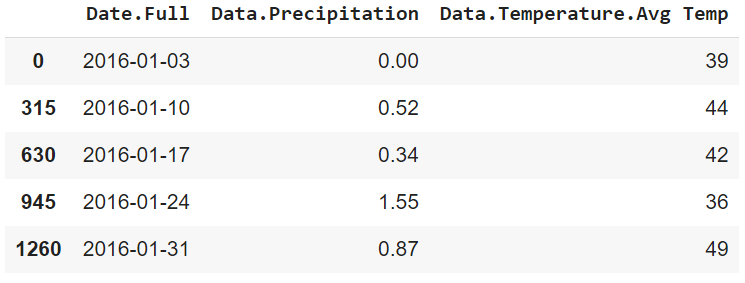
After the file is imported, you can preview the data using the head() function to view the columns.
df.head()